Protect Your Privacy. Secure Your Finances. Explore the Future of Cybersecurity.

How to Protect Your Online Banking with a VPN
Marty Olo
10/14/2025
Introduction
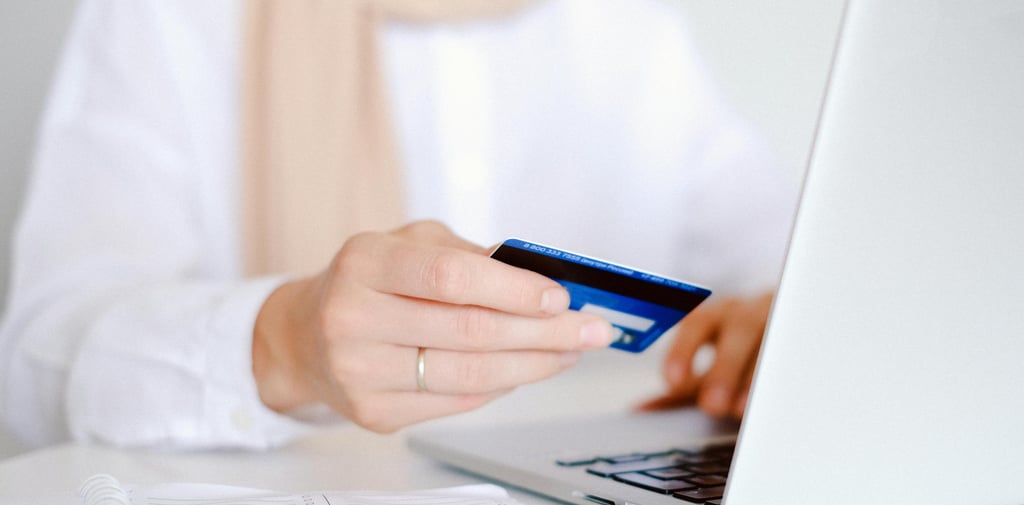
Online banking has transformed how people manage their finances. With just a few clicks, users can transfer funds, pay bills, and monitor accounts. However, this convenience also makes banking activity a frequent target for cybercrime.
A Virtual Private Network (VPN) is often used as part of a broader security strategy to protect online banking sessions, especially when using shared or untrusted networks.
This guide explains how VPNs help, when they are most useful, and how to use them safely alongside other security measures.
Why Use a VPN for Online Banking?
Protecting Traffic on Public Networks
Public Wi-Fi networks can expose unencrypted data. A VPN encrypts your traffic, making it unreadable to anyone attempting to intercept it.
Masking IP Address and Location
VPNs replace your real IP address with one from their server network. This adds privacy and limits passive tracking by ISPs or third parties.
Supporting Secure Travel Banking
When traveling, VPNs can help maintain consistent network behavior by allowing users to connect through servers in their home country, reducing account access disruptions.
When a VPN Is Most Useful
VPNs provide the greatest benefit when:
Using public or shared Wi-Fi
Traveling internationally
Working from coworking spaces or dorm networks
Banking on mobile devices outside trusted networks
While helpful, VPNs are most effective when combined with other protections.
How to Use a VPN Safely for Banking
1. Choose a Reputable VPN Provider
Look for providers with:
Clear no-logs policies
Strong encryption standards
Leak protection and kill switch features
Independent audits or transparent privacy practices
Avoid free VPN services that may log or sell user data.
2. Connect to a Server in Your Home Country
Using a local server reduces the chance of triggering fraud alerts and improves connection stability.
3. Avoid Switching Servers Mid-Session
Changing IP addresses during a banking session can interrupt access or raise security flags.
4. Check for DNS and IP Leaks
Occasionally test your VPN connection to ensure traffic is fully protected.
5. Keep Software Updated
Regularly update:
VPN applications
Banking apps
Operating systems
Updates help patch known security vulnerabilities.
6. Use Strong Authentication
VPNs do not replace strong passwords or two-factor authentication. Always enable 2FA and use unique credentials.
What VPNs Cannot Protect Against
Phishing Attacks
VPNs cannot prevent users from entering credentials into fake websites. Always verify URLs and avoid banking links in emails.
Malware on Compromised Devices
If a device is infected, a VPN cannot prevent data theft. Use antivirus tools, avoid untrusted downloads, and keep systems patched.
Browser-Level Attacks
Some attacks manipulate browser behavior directly. Safe browsing habits and endpoint security are essential.
Additional Tips for Safer Online Banking
Log out after every session
Enable transaction alerts
Use a password manager
Avoid auto-joining unknown Wi-Fi networks
Access banks through official apps or typed URLs only
Final Thoughts
VPNs are not a cure-all, but they are a valuable part of a layered banking security approach. When used correctly, a VPN encrypts traffic, limits exposure on shared networks, and enhances privacy during financial transactions.
The strongest protection comes from combining VPN usage with secure devices, strong authentication, and informed online habits.
Stay Secure, Stay Informed
Your source for online privacy and protection.
Copyright © 2026. - PrivyShield - All rights reserved.