Protect Your Privacy. Secure Your Finances. Explore the Future of Cybersecurity.

Why Every Account Needs Two-Factor Authentication (2FA)—And Which App to Choose
Marty Olo
11/25/2025
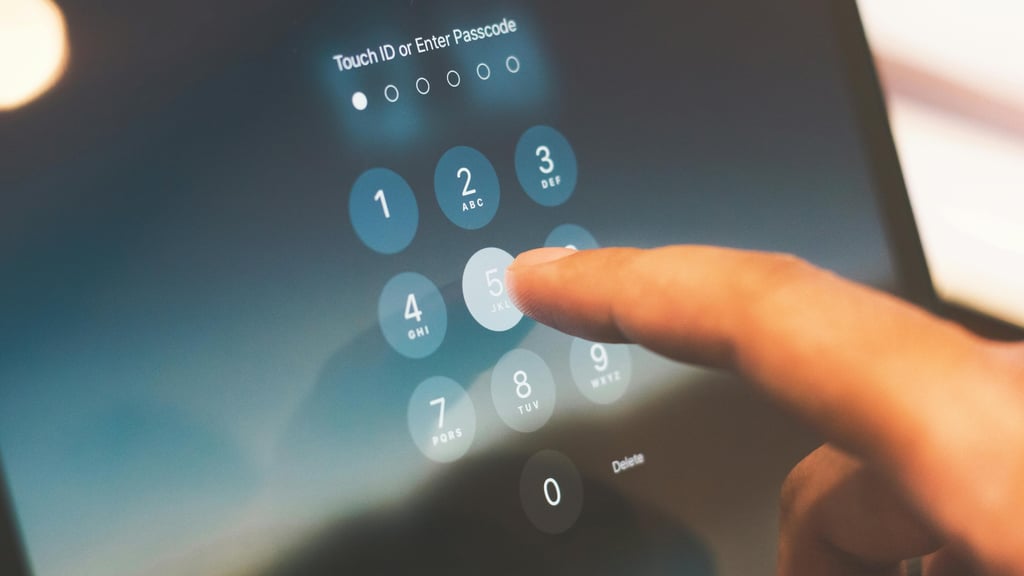
In 2025, cyberattacks are more sophisticated than ever. Hackers don’t just rely on stealing passwords—they use phishing, credential stuffing, and other techniques to access your accounts. That’s why two-factor authentication (2FA) has become a critical layer of security.
Even if a password is strong, it’s no longer enough. 2FA ensures that even if your password is compromised, attackers cannot access your account without the second factor, which is usually a temporary code generated on your device.
In this guide, we’ll explore why 2FA is essential and the top free apps to manage it safely.
What is Two-Factor Authentication (2FA)?
Two-factor authentication is a security process that requires two forms of verification before granting access to an account:
Something you know: Usually a password or PIN.
Something you have: A code from a 2FA app, a hardware key, or a text message.
By combining these factors, 2FA dramatically reduces the risk of account compromise—even if your password is stolen.
Example: Even if someone guesses your password, they won’t be able to log in without your 2FA code.
Why You Need 2FA for Every Account
Here’s why 2FA is no longer optional:
Passwords alone aren’t enough – Many people reuse passwords across multiple accounts, making breaches more dangerous.
Protects against phishing attacks – Even if you accidentally give your password away, 2FA blocks unauthorized access.
Secures sensitive data – Banking, email, social media, and cloud accounts contain personal and business-critical information.
Required by some services – Platforms like Google, Microsoft, and financial institutions now encourage or require 2FA.
Peace of mind – It adds a safety net against hackers targeting your accounts.
Top Free 2FA Apps in 2025
Here are the best free apps to secure your accounts with 2FA:
1. Google Authenticator
Best For: Users who want a simple, reliable 2FA app
Google Authenticator is widely trusted and supports multiple accounts. It generates time-based one-time codes (TOTP) for easy verification.
Key Features:
Simple, no-frills interface
Offline code generation
Multiple account support
2. Authy
Best For: Multi-device users
Authy is perfect if you want 2FA codes accessible across multiple devices. It also offers cloud backups with end-to-end encryption.
Key Features:
Multi-device sync
Encrypted cloud backup
Supports hardware tokens
3. Microsoft Authenticator
Best For: Windows and Microsoft ecosystem users
Microsoft Authenticator supports TOTP codes and push notifications for easy approval. It integrates seamlessly with Microsoft accounts and many third-party services.
Key Features:
Push notifications for quick approval
Passwordless sign-ins
Cloud backup
4. LastPass Authenticator
Best For: Users already using LastPass password manager
LastPass Authenticator offers TOTP codes and push notifications. It’s ideal for users who want integration with the LastPass ecosystem.
Key Features:
Push notifications
Backup and restore
Works with multiple accounts
5. FreeOTP
Best For: Open-source enthusiasts
FreeOTP is a minimal, open-source option for those who prioritize privacy. It supports TOTP and HOTP codes without storing data in the cloud.
Key Features:
Open-source and free
No cloud storage
Simple interface
How to Choose the Right 2FA App
When picking a 2FA app, consider:
Ease of Use: Can you quickly access codes when needed?
Device Backup: Does the app support cloud backup or multi-device sync?
Platform Compatibility: Make sure it works on your devices (iOS, Android, or desktop).
Integration: Check if it integrates with your most-used accounts and services.
Additional Tips for Stronger Account Security
Use strong, unique passwords for each account.
Enable 2FA wherever possible, not just for email or banking.
Consider hardware keys like YubiKey for the highest level of security.
Regularly review login activity to detect suspicious access.
Final Thoughts
In 2025, passwords alone are no longer enough to protect your digital life. Two-factor authentication (2FA) is essential for every account—from personal email to business platforms.
By choosing a reliable 2FA app like Authy, Google Authenticator, or Microsoft Authenticator, you can significantly reduce the risk of account breaches and enjoy peace of mind knowing your information is safer.
Stay Secure, Stay Informed
Your source for online privacy and protection.
Copyright © 2026. - PrivyShield - All rights reserved.